The Remote Worker's Guide to Professional Headshots
Working from home is permanent for many of us. Your headshot is now your hallway, handshake, and elevator pitch. Here is how to get a professional one without leaving your apartment.
When you worked in an office, your competence had a body. People saw you walk into meetings, joke at the coffee machine, present in person. They knew you were sharp because they had context. Remote work strips all of that away. The only signal a new colleague, a recruiter, or a prospect has is your avatar in Zoom, your circle in Slack, your photo on LinkedIn. That tiny image is doing the work your physical presence used to do, and most people are still using a cropped vacation selfie from 2021.
This guide walks you through what a remote-friendly professional headshot actually looks like in 2026, where you need to use it, the cheapest ways to get one without booking a studio, and the small details that separate a credible avatar from one that quietly costs you opportunities.
TL;DR for Busy Remote Workers
- Update your photo on Zoom, Slack, LinkedIn, and your email signature first. These are seen daily.
- A professional headshot for remote work is shoulders-up, plain background, soft front lighting, eyes visible, slight genuine smile.
- Skip the $300 studio session if your photos are mostly used digitally. AI generation gets you there for around $13 in under 15 minutes.
- Refresh your headshot at least every 18 months, sooner if your appearance changes meaningfully.
- Match the same headshot across every platform so people recognize you across tools.
Why Remote Workers Need a Better Headshot Than Office Workers
In a physical office, your photo is decoration. People know what you look like, they hear you in meetings, they bump into you in the kitchen. In a remote-first or hybrid setup, your photo IS the introduction. It loads before your camera turns on. It sits on your Slack message when a stranger asks you a question. It shows up next to your name in every shared doc, calendar invite, and ticket comment.
- Zoom and Microsoft Teams default to your profile photo when your camera is off, which is often.
- Slack avatars are the only visual a teammate has when reading your DM at 9pm.
- Cross-team collaboration means dozens of new humans see your face every quarter without ever meeting you.
- Recruiters scanning LinkedIn for remote roles are skimming photos as a first filter before reading a single word.
- Async culture means written communication carries weight, and a credible photo lends credibility to your writing.
If you are job hunting for a remote role, your photo carries even more weight. Without an in-person interview vibe to fall back on, hiring managers form a much stronger first impression from your profile. Our breakdown of the seven headshot mistakes that cost you opportunities covers the specific things that make recruiters scroll past.
What a Remote-Ready Headshot Actually Looks Like
There is no single correct style, but there are non-negotiables. Whatever style you pick has to survive being shrunk to a 32-pixel circle in Slack and still read as a confident professional.
- Framing: shoulders-up, head taking roughly 60 percent of the frame, even space above the hair.
- Background: solid, uncluttered, neutral tones. White, light gray, soft beige, or a softly out-of-focus office wall.
- Lighting: soft and frontal, ideally from a large window. Avoid harsh overhead lights and mixed color temperatures.
- Expression: relaxed face, slight smile reaching the eyes. Not a beauty-pageant grin and not a hostage photo.
- Eyes: clearly visible, looking near the camera. No sunglasses, no heavy filters that smooth out features.
- Wardrobe: one notch above the dress code of your team. If your team wears t-shirts, wear a clean dark shirt or a simple sweater.
If you want a deeper look at what works for different fields, the post on the best professional photo styles by industry breaks down what tech, finance, healthcare, legal, and creative teams expect to see.
Lighting and Background Setup at Home
If you are taking your own selfies to feed into an AI generator or to use directly, the entire game is light. A mediocre face in great light beats a great face in terrible light every single time. The cheapest lighting upgrade you will ever make is a window during the day.
- Stand or sit facing a large window. Daylight on your face evens out skin tone and softens shadows under the eyes.
- Avoid windows behind you. Backlighting turns you into a silhouette.
- Mid-morning or late afternoon light is gentler than harsh midday sun. Diffuse direct sun with a sheer curtain.
- Turn off colored ceiling lights. Mixed color temperatures make skin look sickly.
- Use a plain wall as your background. Move two meters away from it so any subtle texture goes soft.
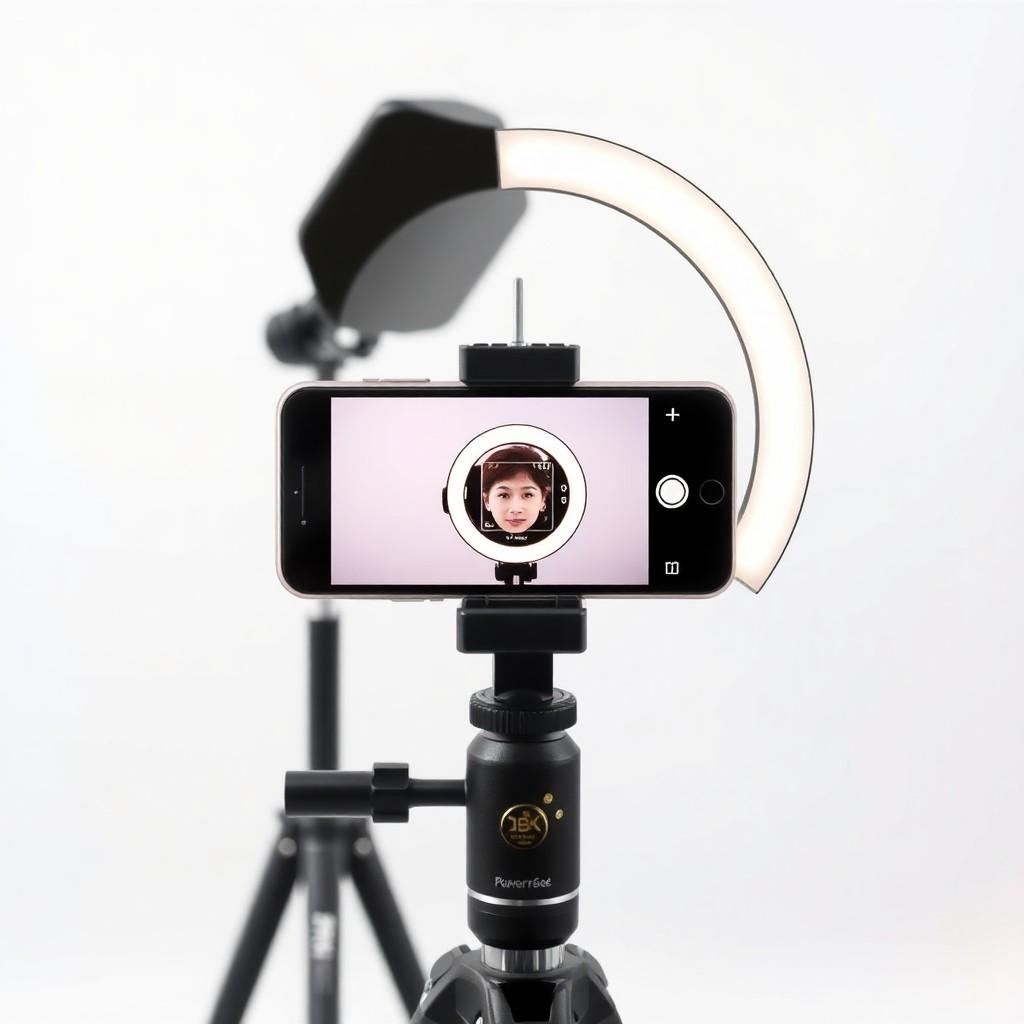
If your home does not cooperate with daylight, a single inexpensive softbox or a ring light placed slightly above eye level produces flattering, even illumination. The trick is one main light source, not three competing ones. For more on selfie technique that translates well to AI generation, our guide to taking better selfies for AI headshots walks through the specifics.
Where to Use Your New Headshot
Once you have a good photo, the multiplier comes from using it everywhere. Inconsistent avatars across tools make you forgettable. The same face in the same crop across every platform makes you instantly recognizable inside large remote teams.
- Zoom and Microsoft Teams profile photo, displayed every time you join with the camera off.
- Slack workspace avatar across every workspace you belong to, including community Slacks.
- LinkedIn profile photo, the highest-leverage placement if you ever look for another role.
- Google Workspace and Microsoft 365 account photo, which propagates to Gmail, Calendar, Docs, and Outlook.
- GitHub, GitLab, and Notion if you are an engineer, designer, or PM whose name shows up in code reviews and docs.
- Email signature as a small embedded image, especially useful in cold outreach.
- Internal directory or HRIS like BambooHR, Rippling, or Workday.
Three Ways to Get a Remote-Ready Headshot
You have three realistic options as a remote worker. Each one has tradeoffs in cost, time, and the kind of result you can expect. Choose based on how often you will use the photo and how much your role depends on personal brand.
- Traditional studio session: $200 to $500 in most cities, plus travel time. You get a handful of edited photos and a polished result, but no remote-friendly turnaround. Best if you are an executive, founder, or public-facing professional.
- DIY with your phone: free, but the results are inconsistent. You will spend a Saturday taking selfies, comparing them, hating them, and ending up with maybe one usable shot. Best if you have great natural light and patience.
- AI headshot generator: around $13 to $35 depending on the service. Upload selfies, get back 30+ professional variations in 5 to 15 minutes. Best if you primarily use the photo digitally, which describes most remote workers.
If you want a fuller breakdown of where AI is genuinely a good substitute and where it falls short, our comparison of AI headshots versus a professional photographer gets specific. The short version: for digital use at small sizes, a well-prompted AI generator is indistinguishable from a basic studio session, at a fraction of the time and cost.
Refresh Cadence: How Often to Update
Remote workers tend to update their photo far less often than office workers, simply because nobody sees the gap between the photo and the actual person. That gap quietly grows until your photo no longer represents you. A good rule: refresh every 18 months, and any time one of these triggers fires.
- You changed your hair noticeably (length, color, going gray, growing out a beard).
- Your weight changed enough that you look different to people who saw you a year ago.
- You started a new role or got promoted into a more senior position.
- You are about to start a job search.
- Your current photo was taken with a different camera, lighting, or vibe than the rest of your team.
Common Remote Headshot Mistakes
- Using a screenshot of yourself from a Zoom call, which is always grainy, badly lit, and mid-blink.
- Cropping a group photo so that someone else's hand or shoulder is still visible at the edge.
- Choosing a photo with a busy bedroom or kitchen background that screams 'I am working from my couch'.
- Using a different photo on each platform, so people cannot recognize you across tools.
- Going too casual for a senior role. A hoodie selfie reads as a junior even when you are a director.
- Going too formal for a casual team. A suit-and-tie photo on a startup Slack reads as out of touch.
FAQ
Do I really need a professional photo if my company is small?
Yes, and arguably more so. In a small remote team, you interact with the same handful of people repeatedly, and your photo is part of how they form an impression of you. It also matters for external contacts: investors, customers, partners, and recruiters who Google you. A clean headshot signals that you take your work seriously even when nobody is watching.
Is an AI-generated headshot acceptable for a real corporate role?
For most knowledge work, yes. The line you should not cross is misrepresenting yourself: the photo should look like the actual current you, with your real hair, skin, age, and rough body shape. AI generation that exaggerates features, removes age signals, or makes you look like a different person undermines trust the moment you join a video call. Used honestly, it is just a faster way to get a polished version of your real face.
Should my headshot match the rest of my team's style?
If your company has a team page with a clear visual style, match it. Same background tone, similar framing, similar formality. If you are joining a team mid-cycle, ask HR whether they have a preferred style or photographer. If you are a remote leader, consider standardizing this for your whole team. Our piece on corporate team photos without a photographer walks through how to do this for a distributed team.
What should I wear?
Solid colors, single layer, no logos, slight contrast with the background. A dark shirt against a light wall works. A white shirt against a white wall makes you look like a floating head. Avoid loud patterns, busy prints, and anything you would not wear to a customer meeting. If your industry is suits-and-ties, dress for that. If your industry is hoodies-and-sneakers, a clean dark t-shirt or a simple sweater is exactly right.
How many photos should I generate before picking one?
Get at least 20 to 30 variations and then narrow down. Look at each at small size, because that is how it will be seen most of the time. Eliminate any with weird hands, distorted ears, or strange fabric folds. Pick three finalists, sleep on it, and choose the one that looks most like you on a normal day, not the most flattering version of you ever. The most flattering photo is the one people stop recognizing.
What if my company requires the photo to be taken by their photographer?
Use the company photo on internal systems and your own headshot on personal platforms like LinkedIn, GitHub, and your email signature. There is no rule that you have to use the same image everywhere. The goal is consistency for people who interact with you across multiple platforms, and a polished image inside the systems your employer controls.